Google Photos
Google Photos is Google's photo storage service and gallery app. This page covers Android version 7.94.0.984908898.
220.7 MB

2.1.9 · App Holdings · Page updated
PixelLab is a free Android app from App Holdings for adding styled text, stickers, shapes and effects to pictures.
Average 0.0 · ratings: 0
Thank you! Your rating is saved; you can change it. Could not save the rating. Please try again later. Too many ratings from your network today. Please try again tomorrow. The average appears after 5 ratings.
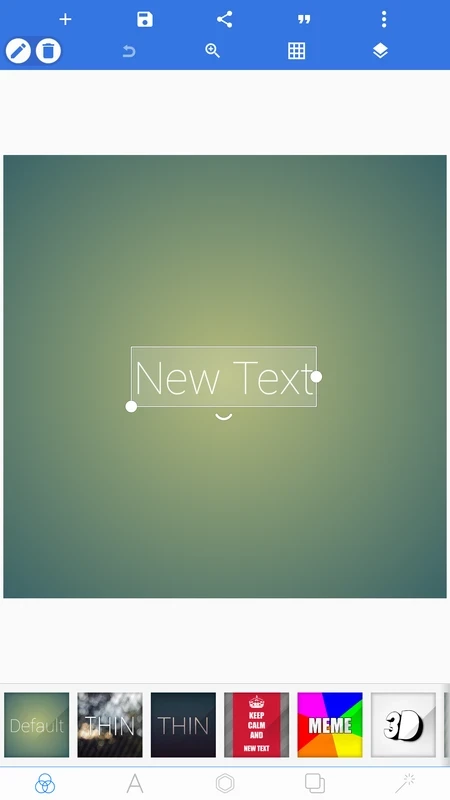
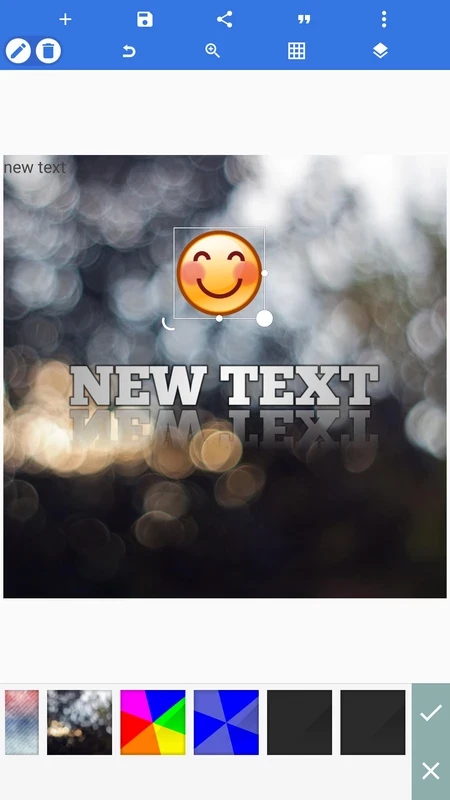
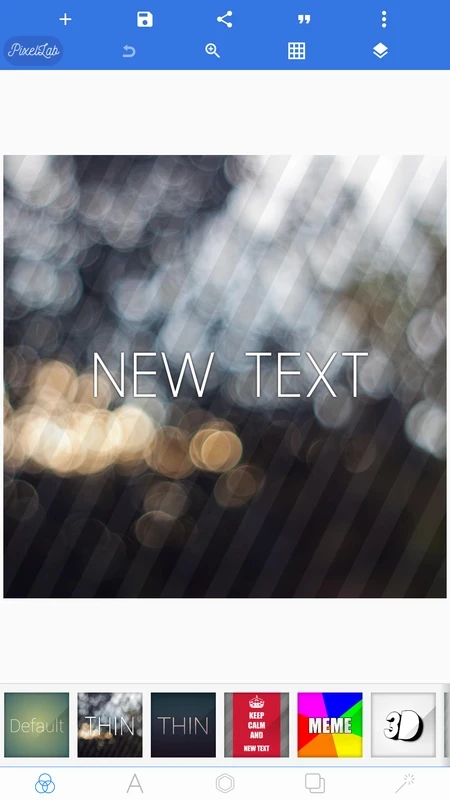
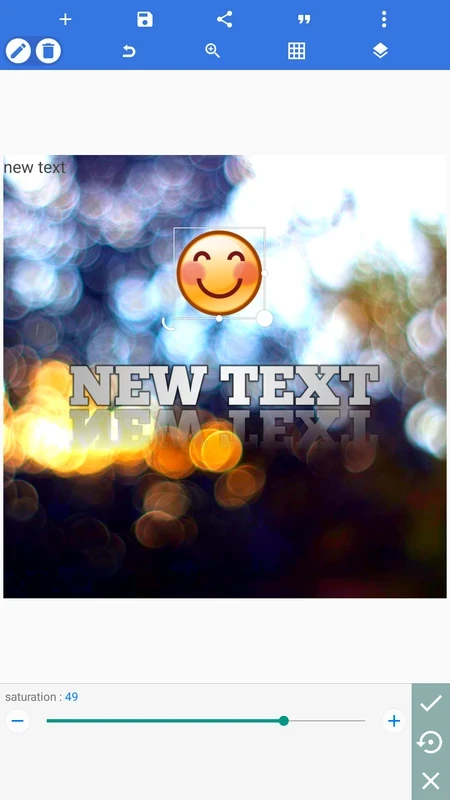
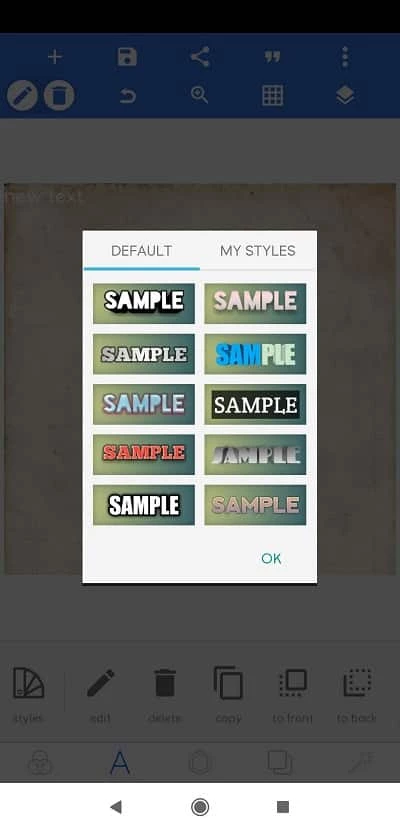
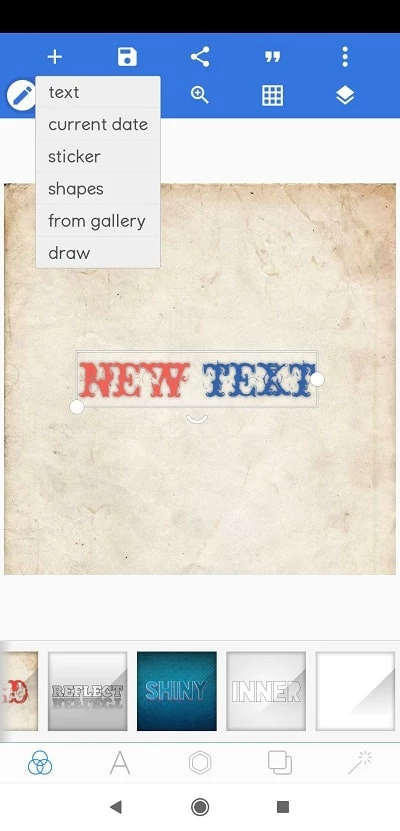
PixelLab 2.1.9 is a free Android app from App Holdings for putting styled text, stickers and shapes on photos. People download PixelLab to make thumbnails, social media posts, quotes on pictures and simple posters directly on their phone.
PixelLab focuses on typography. Where most photo editors stop at a basic text box, it offers a long list of fonts plus controls for colour, gradient, outline, shadow, reflection, 3D depth and texture, and it can bend text along an arc or warp it with perspective. Several text layers can sit on one image, each with its own style, and ready-made text presets give a starting point when you are short of ideas. Beyond text, the app provides stickers and emojis, shapes, drawing tools and the option to import your own images as layers. Background tools let you erase parts of a photo, replace the background with a colour or gradient, or crop the image to the exact size of a YouTube thumbnail, an Instagram post or a story. Projects can be saved and reopened, so a design template can be reused with a new picture. The interface is dense, with many small buttons, but after a few projects it becomes quick to use. It is not a retouching tool: skin smoothing, colour grading and fine selections are better done elsewhere.
The app runs on Android phones and tablets. It is about 29.08 MB according to catalogue data; exported high-resolution images need extra storage.
Keep designs readable: one strong title, one supporting line and enough contrast between text and background. For thumbnails, check how the image looks at a small size before posting. Save the project, not only the image, so you can edit the text later.
PixelLab fits creators who post often and need a recognisable style: small YouTube channels, shop owners announcing sales on Instagram, teachers preparing slides and anyone who wants a birthday card with more personality than a template gives.
PixelLab is free with ads, and a small in-app purchase removes them. Install it from Google Play only; unlocked versions on APK sites are a common source of adware and malware.
Other Android creative apps on our site include CapCut and InShot for video with text, Alight Motion for animated titles and VN – Video Editor for longer edits.
Google Photos is Google's photo storage service and gallery app. This page covers Android version 7.94.0.984908898.

Aarya Editz is a photo editing app for Android from KCS Devlopers; it has not been updated for a long time and has no official download source in our data.

Background Eraser by handyCloset is a free Android app for removing the background from photos and saving the cut-out as a transparent image.
Hypic is an AI photo editor for Android from ByteDance with retouching, background tools, filters and AI-generated art styles.
Ultra Camera HD: 4K Camera is a third-party Android camera app from Haibara CodeX offering an alternative interface for taking photos and videos.
Adobe Photo Lightroom is Adobe's photo editing app for Android, with presets, detailed adjustments, a pro camera mode and optional cloud sync.

Remini is an AI photo enhancer for Android that sharpens blurry pictures, restores old photos and improves faces in portraits.

Canva for Android is the mobile app of Canva's online graphic design platform for making posts, flyers, presentations and short videos.